08
What is the “What’s My IP” tool?
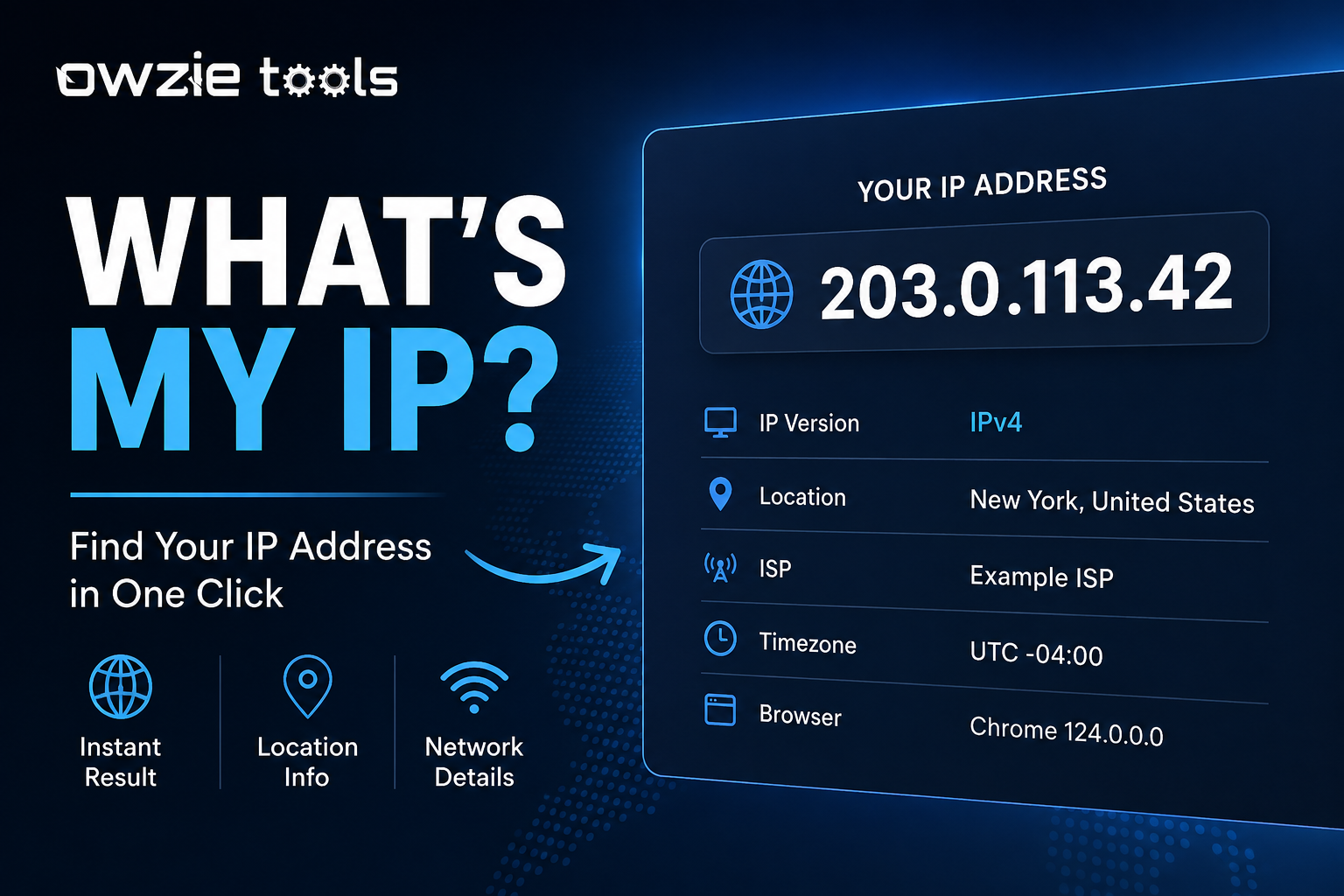
The **What’s My IP** tool shows you the IP address your device is using when it connects to the internet. Think of an IP address as an address for your internet connection. Websites and online services use it to send information back to your device.
# What is the “What’s My IP” tool?
The **What’s My IP** tool shows you the IP address your device is using when it connects to the internet.
Think of an IP address as an address for your internet connection. Websites and online services use it to send information back to your device.
You don't need to understand networking to use the tool. Open it, and your IP address is displayed for you.
## What can you use it for?
There are a few common reasons to check your IP address.
**Troubleshooting your internet connection**
If a website, app, or network service isn't working properly, checking your IP can give you one more piece of information when you're figuring out what went wrong.
**Checking your current network**
Your IP can change when you switch networks. For example, your home Wi-Fi, office network, and mobile connection can each give you a different IP address.
**Checking a VPN**
If you're using a VPN, you can check your IP before and after connecting to see whether your visible IP address has changed.
**Understanding your online connection**
The tool can show information associated with your IP, such as your approximate location or internet service provider. This helps beginners get a clearer picture of what information websites can see about their connection.
## Public IP vs. private IP
This is where IP addresses can get a little confusing.
Your **public IP address** is the address websites generally see when you connect to them. Your internet service provider assigns it to your internet connection.
Your **private IP address** is used inside your local network. Your router might give your computer an address such as `192.168.1.10`.
The “What’s My IP” tool usually focuses on your **public IP**, since that's the address visible to websites and online services.
## Is an IP address your exact location?
No.
An IP address can usually be associated with a general geographic area, such as a city or region. The result can be inaccurate, especially with mobile networks, VPNs, corporate networks, or certain internet providers.
Your IP address also doesn't automatically reveal your name or exact home address.
## How to use the tool
Using it takes a few seconds:
1. Open the **What’s My IP** tool.
2. The tool detects your public IP address.
3. Read the IP address shown on the page.
4. If additional network information is available, you can use it to understand your connection.
You don't need to install anything or change your network settings.
## Why keep an IP checker handy?
An IP checker is one of those small tools that's useful when you suddenly need it.
You might be testing a VPN, troubleshooting a network problem, checking a new internet connection, or helping someone diagnose an issue. Instead of opening command-line tools or searching through system settings, you can check your public IP in seconds.
Contact
Missing something?
Feel free to request missing tools or give some feedback using our contact form.
Contact Us