09
Verify SSL Certificate of Any Website
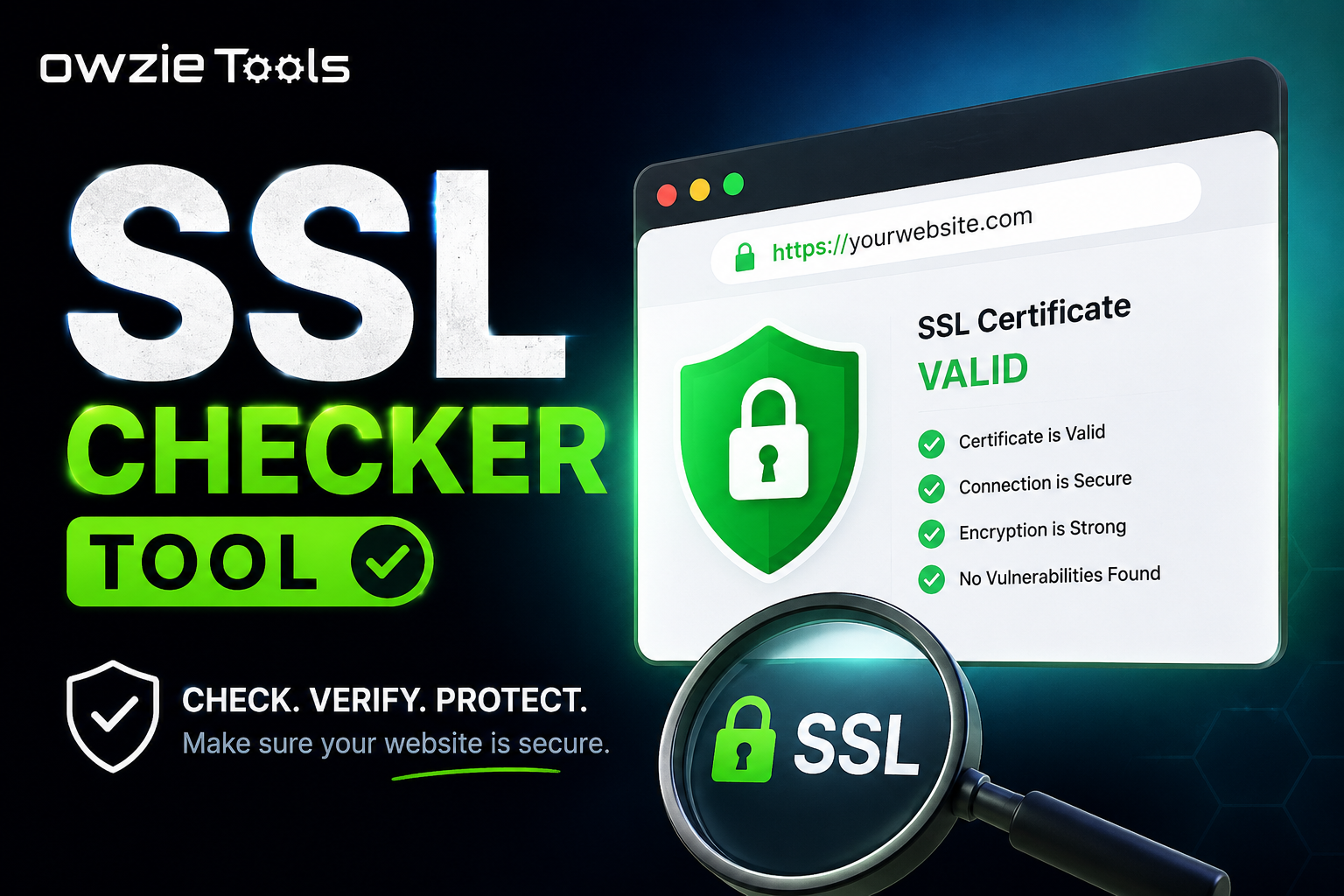
An SSL certificate protects the connection between a website and its visitors. It also helps browsers confirm that a website is using a valid HTTPS connection.
Verify SSL Certificate of Any Website
An SSL certificate protects the connection between a website and its visitors. It also helps browsers confirm that a website is using a valid HTTPS connection.
If you manage a website, checking your SSL certificate can help you catch certificate problems before they affect your visitors.
## What Is an SSL Certificate?
An SSL certificate is used to secure data exchanged between a website and a visitor's browser.
When a website uses HTTPS, the connection is encrypted. You can usually identify it by the padlock icon next to the website address in your browser.
For example:
```text
https://example.com
```
A valid SSL certificate helps the browser establish a secure connection with the website.
## Why Should You Check an SSL Certificate?
SSL certificates can expire, become invalid, or be installed incorrectly.
This can happen after changing hosting providers, moving to a new server, changing domain settings, or forgetting to renew the certificate.
A quick SSL check lets you see whether the certificate is currently valid.
## How to Verify an SSL Certificate
Using an SSL Certificate Checker takes only a few seconds.
### 1. Enter the Website URL
Type the website address you want to check.
https://yourwebsite.com
### 2. Start the Check
Click **Check SSL Certificate**.
The tool connects to the website and checks its SSL certificate.
### 3. Review the Result
The result will tell you whether the certificate is valid.
If the certificate is valid, the website should be able to use HTTPS normally.
If there's a certificate problem, you'll know that the website needs further checking.
## What Can Cause an SSL Certificate Problem?
Several things can cause HTTPS errors.
An SSL certificate may have expired. The certificate may also belong to a different domain, or the certificate installation on the server may be incorrect.
DNS changes and server migrations can also lead to SSL issues if the certificate setup isn't updated correctly.
## When Should You Check Your SSL Certificate?
It's a good idea to check your certificate after moving your website to another server or hosting provider.
You can also run a check after installing a new certificate, changing DNS records, or receiving an SSL warning in your browser.
For websites that handle logins, payments, or customer information, keeping HTTPS working correctly is especially important.
## What Happens If the Certificate Is Invalid?
An invalid SSL certificate can cause browsers to display a security warning.
Visitors may see messages such as **Your connection is not private** or **Certificate expired**.
If this happens, check the certificate inside your hosting or server control panel and make sure it covers the correct domain.
## Verify SSL Certificates Online
An SSL Certificate Checker gives website owners a quick way to check whether a website's HTTPS certificate is valid.
Enter the website URL, run the check, and review the result. If there's an SSL problem, you can then check your certificate, domain, DNS, and server configuration.
Contact
Missing something?
Feel free to request missing tools or give some feedback using our contact form.
Contact Us