11
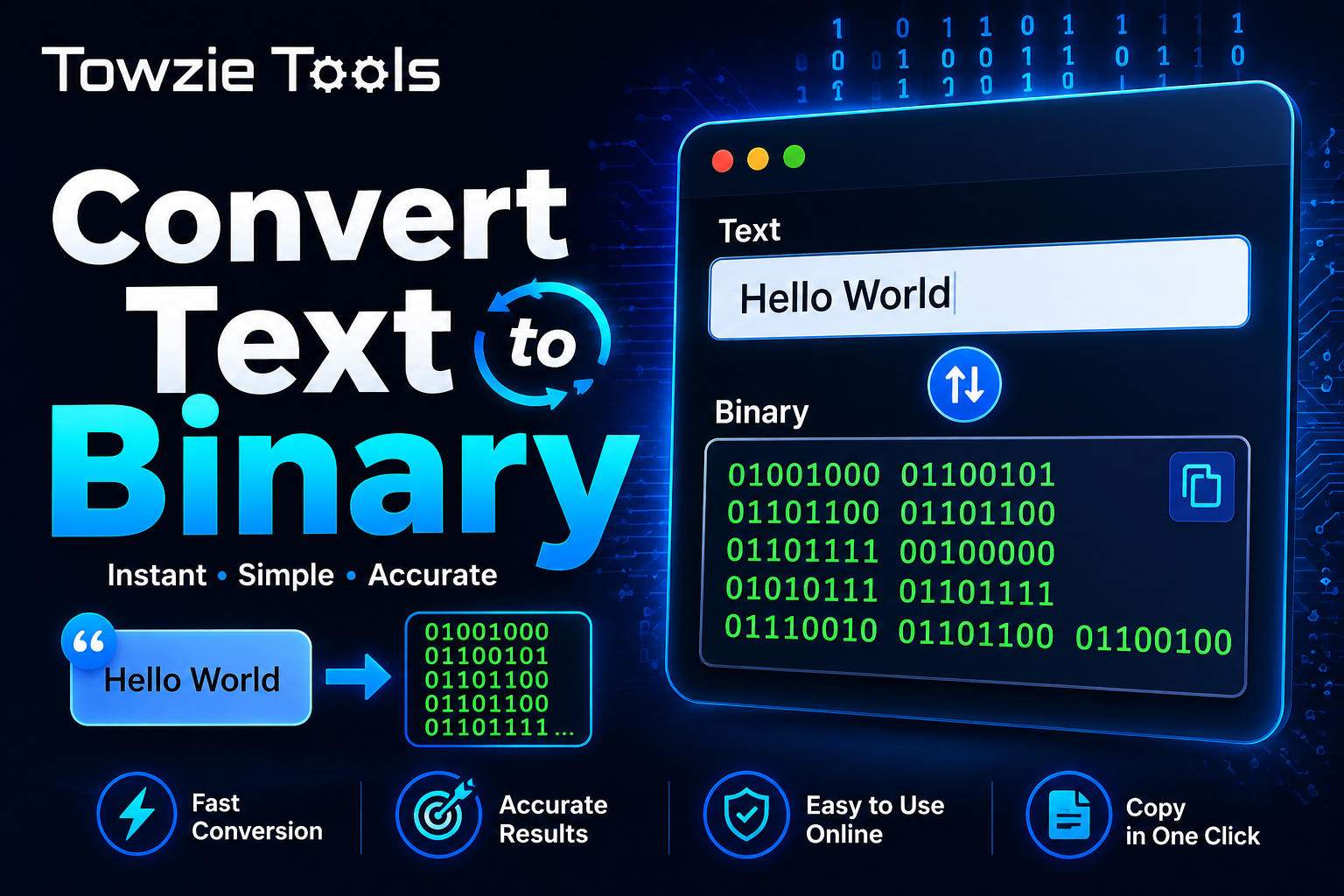
Convert Text to Binary
Text can be stored and processed by computers as binary data made up of 0s and 1s.
Convert Text to Binary
Text can be stored and processed by computers as binary data made up of 0s and 1s.
A **Text to Binary Converter** lets you turn regular text into its binary representation in seconds. Enter your text, convert it, and copy the result whenever you need it.
## What Is a Text to Binary Converter?
A Text to Binary Converter changes letters, numbers, spaces, and other characters into binary values.
For example, the letter `A` can be represented in binary as:
A → 01000001
A short word such as:
Hello
can be converted into a sequence of binary values, with each character represented by its corresponding byte.
## How Does Text to Binary Conversion Work?
Computers store information using binary, where each bit has a value of either `0` or `1`.
When you enter text into the converter, each character is converted according to its character encoding. With standard ASCII characters, each character uses an 8-bit binary value.
For example:
A → 01000001
B → 01000010
C → 01000011
The converter puts these binary values together to create the final result.
## How to Convert Text to Binary
Using a Text to Binary Converter takes only a few seconds.
### 1. Enter Your Text
Type or paste the text you want to convert.
For example:
Hello World
### 2. Click Convert
Press **Convert to Binary** to start the conversion.
The tool processes each character and turns it into binary.
### 3. Copy the Result
The converted binary text will appear on the screen.
You can then copy it and use it wherever you need.
Example:
Hello
01001000 01100101 01101100 01101100 01101111
## What Can You Convert to Binary?
You can convert regular text containing letters, numbers, spaces, and many common symbols.
For example:
123
can be converted into binary values for each character.
The same applies to sentences, short messages, code snippets, and other text.
## ASCII and Binary
ASCII is one of the common character encoding systems used to represent text.
It assigns a numeric value to characters. That number can then be written in binary.
For example:
Character: A
ASCII: 65
Binary: 01000001
This is why the same character can be represented using a sequence of 0s and 1s.
## What About Special Characters?
Special characters and languages outside basic ASCII can require a different encoding system, such as **UTF-8**.
UTF-8 can represent a much larger set of characters, including accented letters, symbols, and characters from many writing systems.
So the binary result can be longer for some characters.
## Why Convert Text to Binary?
A Text to Binary Converter can be useful for learning how computers represent text.
It's also handy for programming exercises, encoding experiments, computer science assignments, and testing systems that work with binary data.
If you're learning about ASCII, character encoding, or how text is stored, converting a few words manually can make the process much easier to understand.
## Can You Convert Binary Back to Text?
Yes.
Binary can be converted back into text when the correct character encoding is known.
For example:
01001000 01100101 01101100 01101100 01101111
can be decoded as:
Hello
A Binary to Text Converter can handle this reverse process.
## Text to Binary Converter Online
A Text to Binary Converter gives you a quick way to turn regular text into 0s and 1s.
Enter your text, click **Convert to Binary**, and copy the result. It's useful for learning character encoding, testing binary data, and understanding how computers represent text.
Contact
Missing something?
Feel free to request missing tools or give some feedback using our contact form.
Contact Us