08
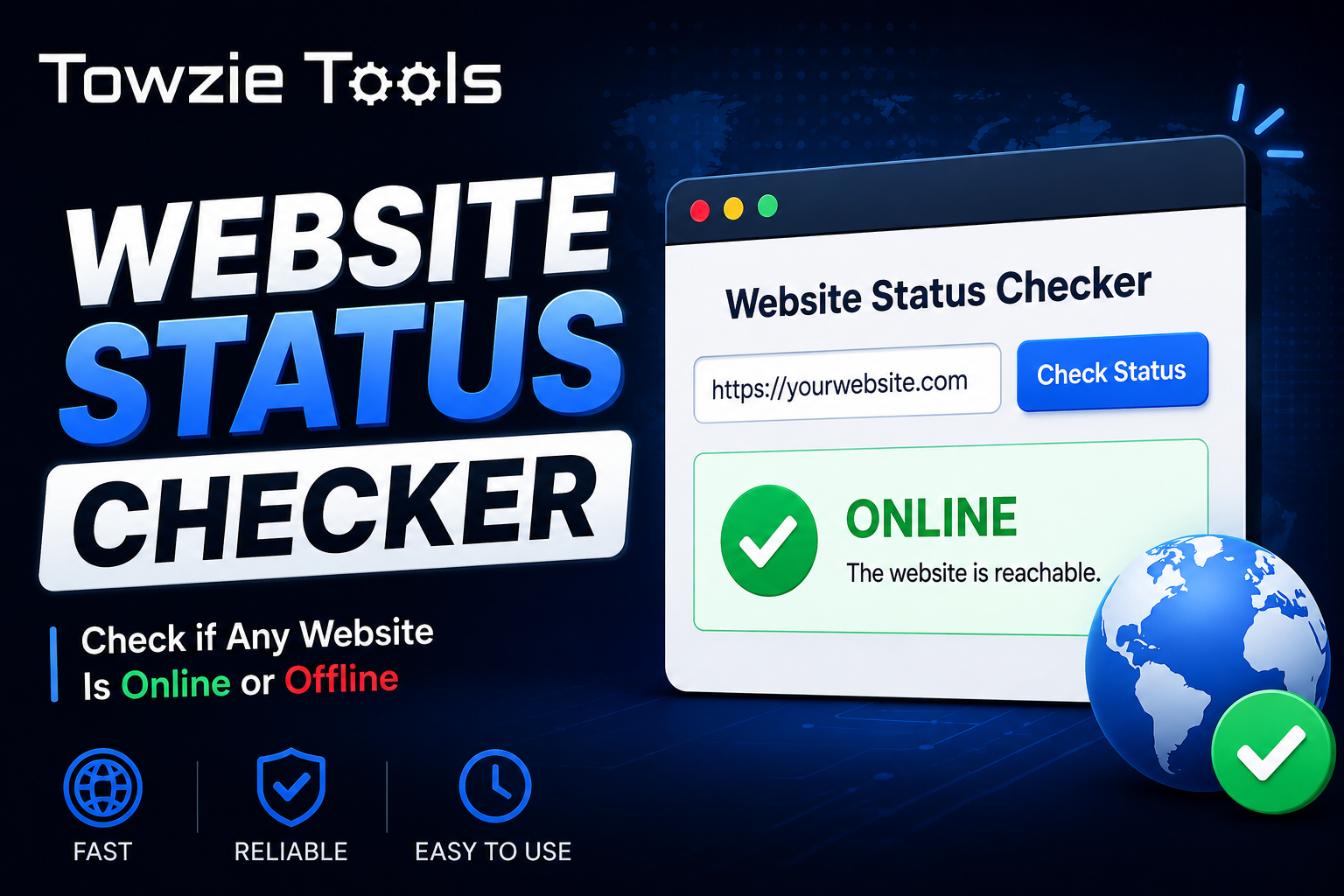
Website Status Checker
Your website can go down at any time because of a hosting problem, server issue, DNS change, or domain problem. If you don't notice it quickly, visitors may keep getting an unavailable page while you're unaware of the issue.
Website Status Checker: Check If Your Website Is Online or Offline
Your website can go down at any time because of a hosting problem, server issue, DNS change, or domain problem. If you don't notice it quickly, visitors may keep getting an unavailable page while you're unaware of the issue.
A **Website Status Checker** gives you a quick way to check whether a website is currently online or offline.
What Is a Website Status Checker?
A Website Status Checker is a simple online tool that checks whether a website can be reached.
Enter a website URL, such as:
https://example.com
The tool checks the website and returns its current status.
If the website can be reached, the result will show **Online**.
If the website can't be reached, the result will show **Offline**.
Why Do Website Owners Need a Status Checker?
If you manage a website, you need to know when something goes wrong.
A hosting server can stop responding. A DNS change can cause access problems. A domain can also expire or become misconfigured.
In some cases, you may not notice the problem until a visitor tells you.
A Website Status Checker gives you a quick first check before you start looking through your hosting account or server settings.
How to Use the Website Status Checker
Using the tool takes a few seconds.
1. Open the Website Status Checker
Open the tool in your web browser.
You don't need to install any software.
2. Enter Your Website URL
Type the full address of the website you want to check.
For example:
https://yourwebsite.com
Make sure the URL is entered correctly.
3. Click Check Status
Click **Check Status** to start the check.
The tool will try to reach the website and determine whether it is available.
4. Check the Result
The result will show one of two basic statuses:
**Online:** The website can be reached.
**Offline:** The website could not be reached during the check.
What Does Online Mean?
When the result shows **Online**, the website is reachable at the time of the check.
This can be useful after moving your website to a new hosting provider, changing DNS records, or fixing a server problem.
An Online result confirms that the website can be reached. It doesn't mean that every page, feature, or service on the website is working correctly.
What Does Offline Mean?
An **Offline** result means the tool couldn't reach the website during the check.
If this happens, check your hosting account, server, domain, and DNS settings.
You can also run the check again after a few minutes. Temporary connection problems can sometimes cause a failed check.
When Should You Use a Website Status Checker?
There are several situations where a status check can save you time.
If you've moved your website to a new server, check the URL to make sure the site is reachable.
If you've recently changed your DNS records, you can use the tool to check whether the website is accessible.
You can also use it when someone reports that your website is down. Run a quick check first, then investigate the problem if the result shows Offline.
Can You Check Multiple Websites?
Yes.
Website owners who manage several domains can check each website separately.
Enter the URL, run the check, and move to the next website.
This can be useful when you manage multiple websites on the same hosting account or across different servers.
Do You Need to Install Anything?
No.
The Website Status Checker works directly in your browser.
You only need the website URL you want to check. You can use the tool from a computer, tablet, or phone.
What Should You Do If Your Website Is Offline?
If the checker shows that your website is Offline, start with these steps:
1. Open the website directly in your browser.
2. Check whether your domain is active.
3. Log in to your hosting account.
4. Check whether the server is running.
5. Review your DNS settings if you recently changed them.
6. Run the status check again.
If the website opens normally for you while the checker reports Offline, try the check again. A temporary connection problem can produce different results at different times or from different networks.
Website Status Checker for Website Owners
A quick status check can save you time when you're managing a website.
Enter your URL, run the check, and you'll know whether the site is currently reachable. If the result is Offline, you can then start checking your hosting, server, domain, or DNS settings.
Contact
Missing something?
Feel free to request missing tools or give some feedback using our contact form.
Contact Us