17
SEO and OpenGraph Tag Generator
Every website needs the right information in its HTML metadata. Search engines use SEO tags to understand your pages, while social platforms use OpenGraph tags when your pages are shared.
SEO and OpenGraph Tag Generator
Every website needs the right information in its HTML metadata. Search engines use SEO tags to understand your pages, while social platforms use OpenGraph tags when your pages are shared.
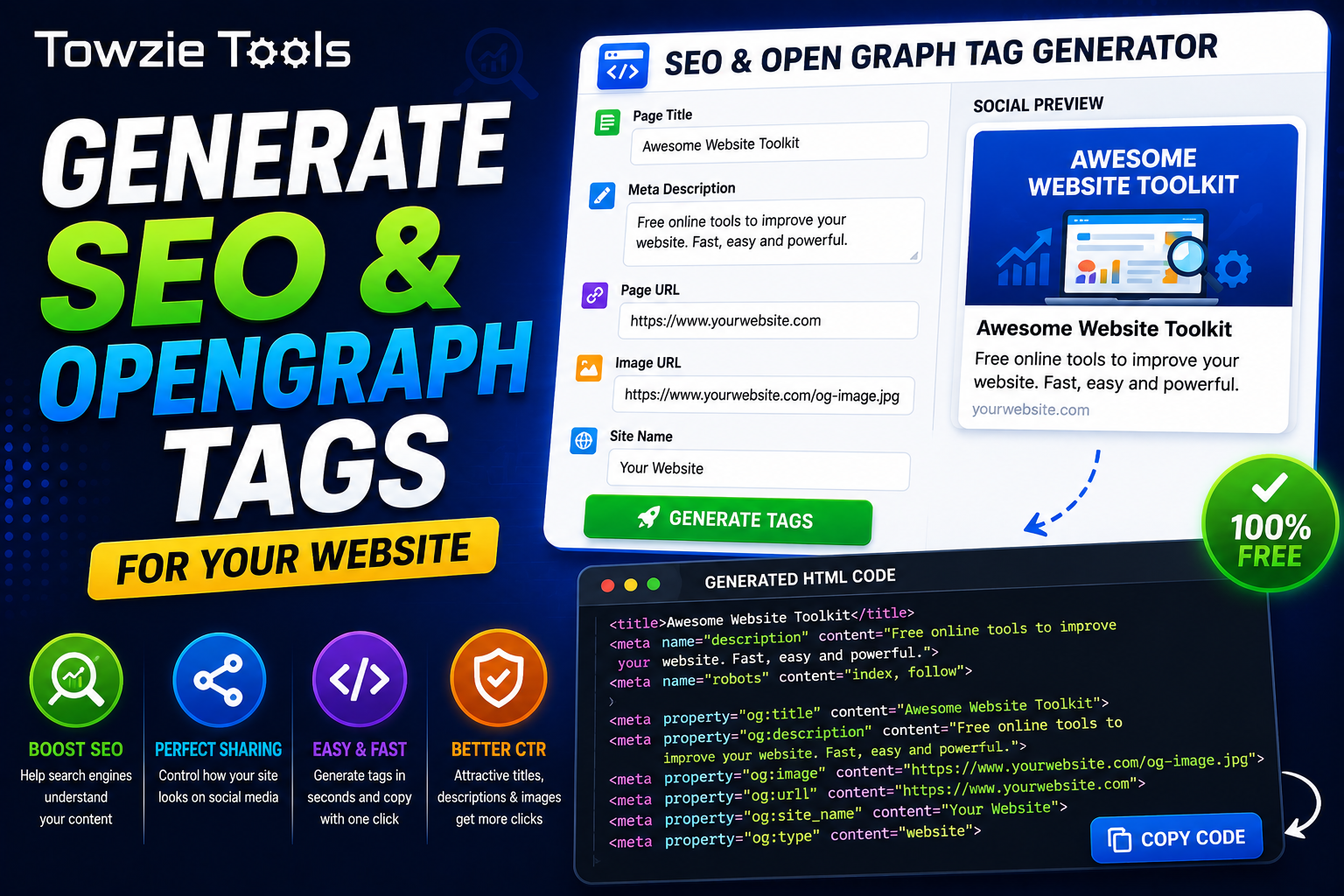
An **SEO and OpenGraph Tag Generator** lets you create these tags quickly. Enter your page information, generate the tags, and add the code to your website.
## What Are SEO Tags?
SEO tags are HTML metadata that gives search engines information about a webpage.
Common SEO tags include:
<title>Your Website Title</title>
<meta name="description" content="Your website description">
<meta name="robots" content="index, follow">
These tags can describe your page and tell search engines how they should handle it.
## What Are OpenGraph Tags?
OpenGraph tags control how a webpage appears when someone shares its URL on social media and other platforms.
Common OpenGraph tags include:
<meta property="og:title" content="Your Page Title">
<meta property="og:description" content="Your page description">
<meta property="og:image" content="https://example.com/image.jpg">
<meta property="og:url" content="https://example.com/page">
These tags provide the title, description, image, and URL that can be used when the page is shared.
## How to Generate SEO and OpenGraph Tags
Creating the tags takes only a few steps.
### 1. Enter Your Page Information
Add the details for the webpage you want to optimize.
You may need:
Page Title
Meta Description
Page URL
Image URL
Site Name
Use information that accurately describes the actual page.
### 2. Generate the Tags
Click **Generate Tags**.
The tool creates the HTML metadata based on the information you entered.
### 3. Copy the Generated Code
Copy the generated HTML and place it inside the `<head>` section of your webpage.
For example:
<head>
<title>Your Page Title</title>
<meta name="description" content="Your page description">
<meta property="og:title" content="Your Page Title">
<meta property="og:description" content="Your page description">
<meta property="og:image" content="https://example.com/image.jpg">
<meta property="og:url" content="https://example.com/page">
</head>
## Why Are SEO Tags Useful?
A clear page title and description give search engines useful information about your page.
The title can also appear in search results, browser tabs, and other places where the page name is displayed.
Your meta description can help describe the page to someone deciding whether to visit it from search results.
## Why Use OpenGraph Tags?
Without OpenGraph metadata, social platforms may choose an image, title, or description automatically when someone shares your page.
With the correct tags, you can define the information you want platforms to use.
For example:
<meta property="og:title" content="Website Status Checker">
<meta property="og:description" content="Check if any website is online or offline.">
<meta property="og:image" content="https://example.com/thumbnail.jpg">
This gives the shared page specific information instead of leaving the platform to guess.
## SEO and OpenGraph Tags for Website Owners
Website owners can use the generator when creating new pages, blog posts, landing pages, product pages, or online tools.
Each page can have its own title, description, URL, and social sharing image.
This is especially useful when you're managing many pages and want to prepare the metadata without writing every tag manually.
## What Is the Difference Between SEO and OpenGraph Tags?
SEO metadata mainly provides information for search engines and browsers.
OpenGraph metadata controls information used when a page is shared on social platforms and services that support the OpenGraph format.
A webpage can use both at the same time.
## Can You Generate Tags for Any Website?
You can generate tags for any webpage you control.
Enter the correct information for the page, generate the HTML, and add it to the page source.
If you're using WordPress or another content management system, your SEO plugin or theme may already manage some of these tags.
## Check Your Generated Tags Before Publishing
Always review the generated code before adding it to your website.
Make sure the page title, description, URL, and image URL belong to the correct page.
Also check that your OpenGraph image is available publicly and uses the correct URL.
## SEO and OpenGraph Tag Generator Online
An SEO and OpenGraph Tag Generator gives website owners a quick way to create HTML metadata for their pages.
Enter your page details, generate the code, copy it into your HTML `<head>`, and check the page before publishing it.
Contact
Missing something?
Feel free to request missing tools or give some feedback using our contact form.
Contact Us