14
Random Password Generator
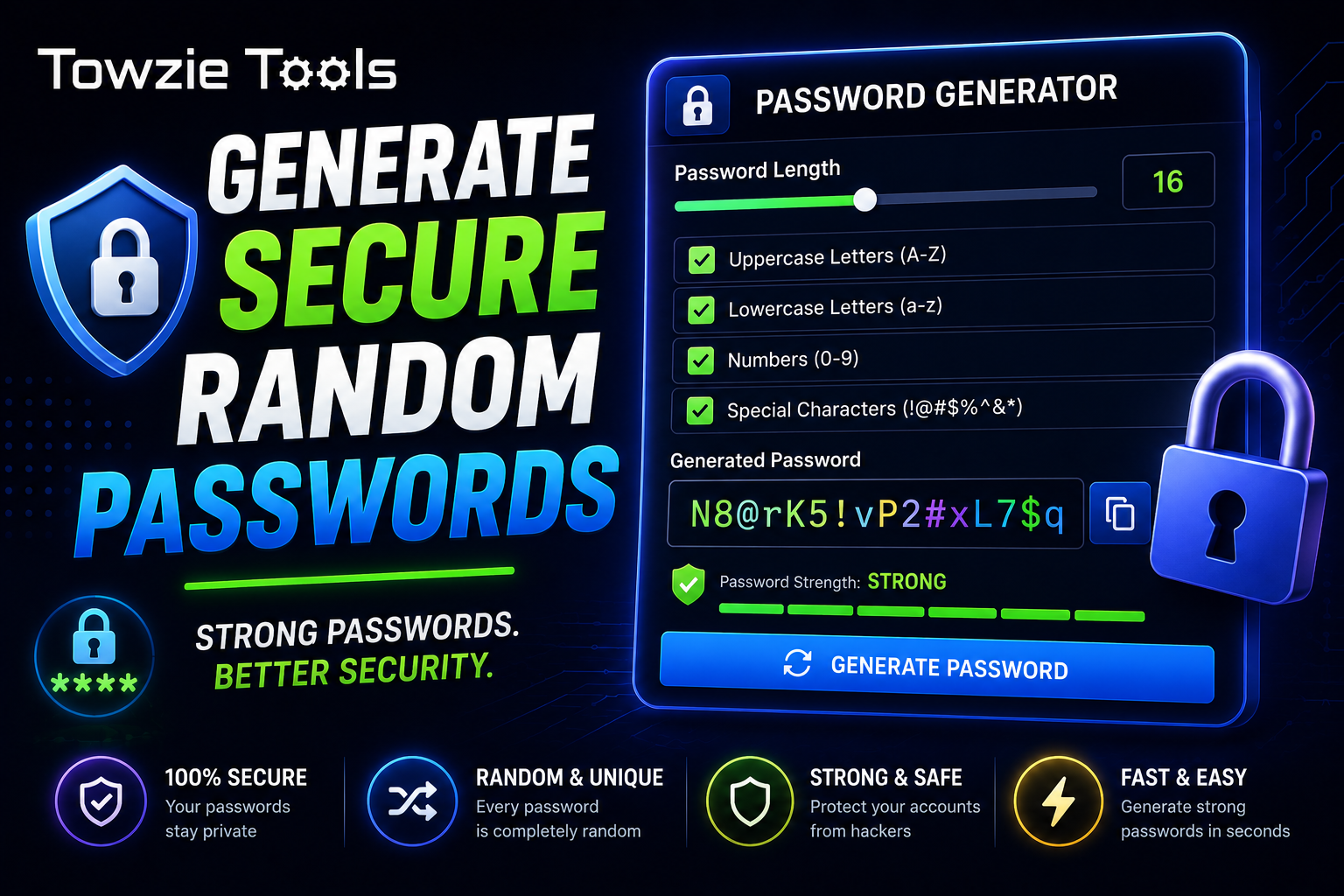
A Random Password Generator creates passwords using a mix of letters, numbers, and special characters. You can choose the password length and the types of characters you want to include.
Secure Random Password Generator
Strong passwords help protect your online accounts from unauthorized access.
A **Random Password Generator** creates passwords using a mix of letters, numbers, and special characters. You can choose the password length and the types of characters you want to include.
## What Is a Random Password Generator?
A Random Password Generator is an online tool that creates passwords automatically.
Instead of choosing a password yourself, the generator creates a random combination such as:
vR7!qL2#xP9@kM4$
You can use the generated password for an email account, website login, online service, or other account.
## Why Use a Random Password?
Passwords based on names, birthdays, phone numbers, or common words can be easier to guess.
A randomly generated password can contain many different characters, making it harder to guess when the password is long enough.
For example:
MyPassword123
is much simpler than:
G7#vQ2!mL9@xR4$p
A password generator also helps you avoid using the same personal information in your passwords.
## How to Generate a Secure Random Password
Creating a password takes only a few steps.
### 1. Choose the Password Length
Select how many characters you want in the password.
For example:
Length: 16 characters
A longer password gives you more possible combinations.
### 2. Select Character Types
Depending on the tool, you can choose:
* Uppercase letters
* Lowercase letters
* Numbers
* Special characters
For example:
A-Z
a-z
0-9
! @ # $ % &
### 3. Generate the Password
Click **Generate Password**.
The tool creates a random password based on your selected settings.
Example:
N8@rK5!vP2#xL7$q
### 4. Copy the Password
Copy the generated password and save it in your password manager or another safe place.
Avoid sharing your password through messages, emails, or public websites.
## How Long Should a Random Password Be?
Password length matters.
For everyday online accounts, using a password with **16 or more characters** is a good target when the website allows it.
Some websites have their own password length limits, so check the requirements before generating your password.
## What Characters Should a Password Include?
A strong random password can use several character types.
For example:
Uppercase: A B C D
Lowercase: a b c d
Numbers: 1 2 3 4
Symbols: ! @ # $
Combining these characters creates a larger set of possible passwords.
Some websites don't accept certain symbols, so you may need to adjust the generator settings.
## Should You Use the Same Password on Multiple Websites?
Use a different password for each important account.
If one password is exposed, attackers can try it on other websites. Unique passwords keep one compromised account from putting your other accounts at risk.
A password manager can help you store and manage different passwords without having to memorize every one.
## Random Password Generator for Website Owners
Website owners can use a password generator when creating administrator accounts, hosting accounts, database users, and other accounts connected to their websites.
For example:
Website Admin
Password: 7#kR9!pV2@xL6$mQ
Keep administrator credentials stored safely and limit access to people who actually need them.
## Can You Generate Passwords on a Phone?
Yes.
An online Random Password Generator can work directly in your mobile browser.
Choose the password length, select the character types, generate the password, and save it in your password manager.
## What Makes a Password Harder to Guess?
A password becomes harder to guess as the number of possible combinations increases.
Length has a major effect. Random characters also make common words and personal information less useful to someone trying to guess the password.
For example:
Length: 20
Characters: A-Z, a-z, 0-9, symbols
This creates a much larger number of possible combinations than a short password made from a common word.
## Random Password Generator Online
A Random Password Generator gives you a quick way to create passwords for your online accounts.
Choose the length and character types, generate the password, then save it in a password manager. Using a different long password for each important account can greatly reduce the damage caused by a leaked password.
Contact
Missing something?
Feel free to request missing tools or give some feedback using our contact form.
Contact Us