17
Privacy Policy Generator
Every website that collects personal information should clearly explain what data it collects and how that information is used.
Privacy Policy Generator
Every website that collects personal information should clearly explain what data it collects and how that information is used.
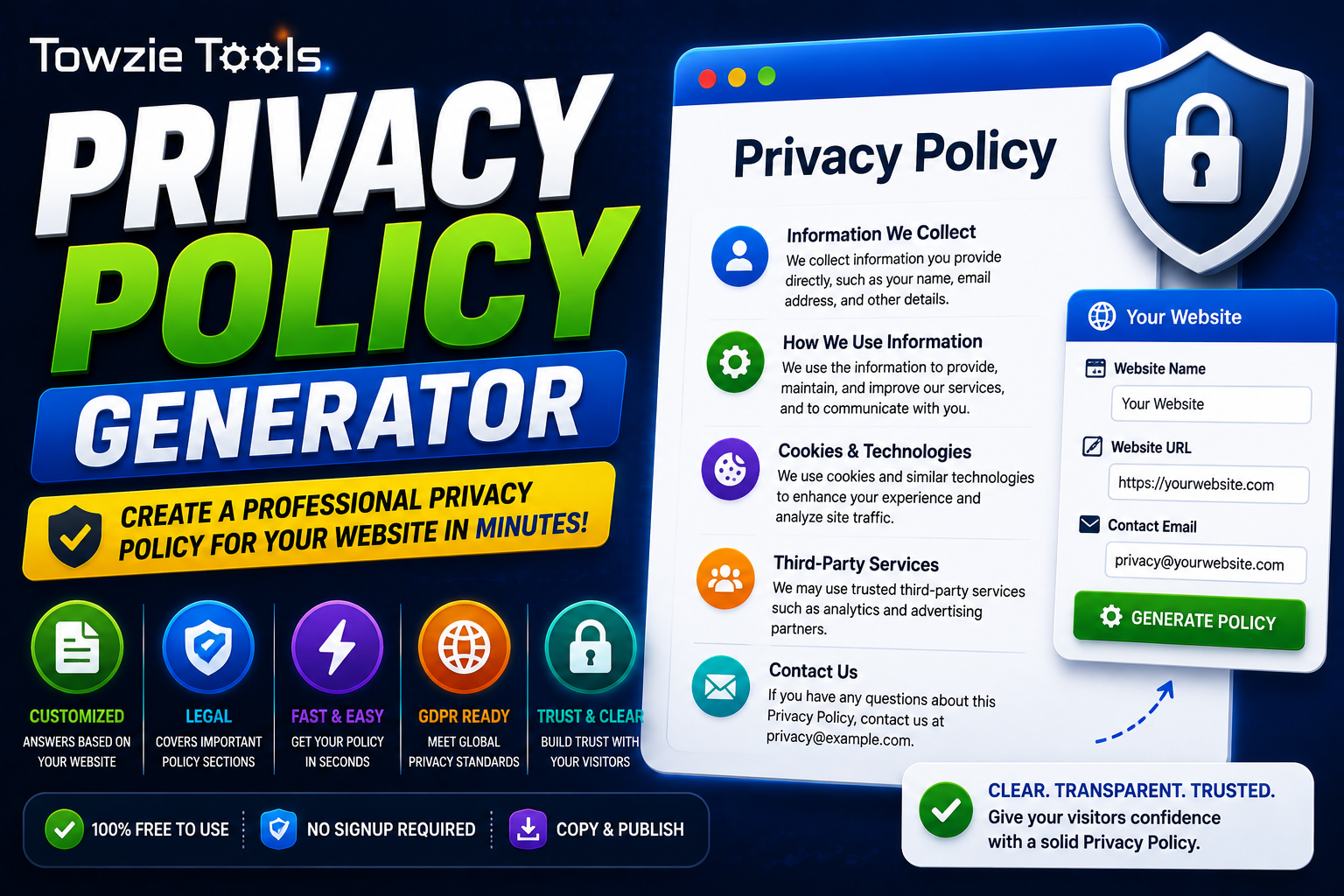
A **Privacy Policy Generator** helps website owners create a privacy policy based on the information their website collects. Enter your website details, choose the services you use, generate the policy, and add it to your site.
## What Is a Privacy Policy Generator?
A Privacy Policy Generator is an online tool that creates a privacy policy for a website.
The policy can explain things such as:
* What information the website collects
* How the information is used
* Cookies and tracking technologies
* Third-party services
* Contact information
* Data retention
* User rights
The exact content depends on the information you provide and the options available in the generator.
## Why Does a Website Need a Privacy Policy?
Websites can collect information in several ways.
A contact form may collect names and email addresses. Analytics tools can collect information about visitors. Advertising services can also use cookies or similar technologies.
A privacy policy gives visitors a place where they can read how their information is handled.
## How to Create a Privacy Policy
Creating a policy with the generator takes a few steps.
### 1. Enter Your Website Information
Start by entering basic details about your website.
For example:
Website Name: Your Website
Website URL: https://example.com
Contact Email: privacy@example.com
Use your actual website information so the generated document matches your site.
### 2. Select the Services You Use
Choose the services connected to your website.
Depending on the generator, you may find options for analytics, advertising, cookies, contact forms, payment services, or other third-party tools.
Only select services that your website actually uses.
### 3. Generate the Privacy Policy
Click **Generate Privacy Policy**.
The tool creates a policy using the information and services you selected.
### 4. Review the Policy
Read the generated document before publishing it.
Check the website name, contact email, services, cookies, and other details to make sure they match your actual setup.
### 5. Add It to Your Website
Create a page called **Privacy Policy** and add the generated content to it.
It's common to place a link to the page in your website footer.
## What Information Can a Privacy Policy Cover?
A privacy policy can describe different types of information collected by a website.
This may include:
Name
Email address
IP address
Browser information
Device information
Cookies
Usage information
The policy should describe the information your website actually collects.
## Privacy Policy for Websites Using Google Analytics
If your website uses an analytics service, your privacy policy should explain that analytics information may be collected.
This can include information about how visitors interact with your website.
Check the requirements of the analytics service you're using and make sure your policy matches your actual configuration.
## Privacy Policy for Websites Using Advertising
Websites that display advertisements may use cookies or other technologies to provide and measure ads.
If your website uses an advertising service, include it in your privacy policy and explain the relevant data practices.
Your advertising provider may also have specific requirements that you need to follow.
## Do You Need a Privacy Policy for a Small Website?
Website size doesn't tell you whether a privacy policy is needed.
A small website can still collect personal information through a contact form, newsletter signup, analytics, comments, or other services.
What matters is how the website collects and handles information.
## Can You Use the Same Privacy Policy for Every Website?
You can use a generator as a starting point, but each website should have a policy that matches its own data practices.
For example, a blog with a contact form may collect different information from an online store that accepts payments and has customer accounts.
Review the generated policy and remove anything that doesn't apply to your website.
## Does a Privacy Policy Generator Guarantee Legal Compliance?
A generated privacy policy is a starting document. It doesn't automatically guarantee that your website meets every privacy law or requirement that applies to you.
Privacy requirements can depend on where your business operates, where your visitors are located, and what type of information you collect.
If your website handles sensitive information or operates across multiple regions, consider getting legal advice.
## Can You Generate a Privacy Policy Online?
Yes.
A Privacy Policy Generator works through your web browser. Enter your website details, select the services you use, generate the policy, review the content, and publish it on your website.
## Privacy Policy Generator for Website Owners
A Privacy Policy Generator gives website owners a quick way to create a privacy policy based on their website's data collection practices.
Enter accurate information, review the generated document carefully, and keep the policy updated whenever your website starts using a new service or collecting new types of information.
Contact
Missing something?
Feel free to request missing tools or give some feedback using our contact form.
Contact Us