12
Convert JPG to PNG Easily Online
JPG and PNG are 2 of the most common image formats on the web. Each format works well for different types of images, and sometimes you need to convert a JPG file to PNG before using it on a website, design project, or document.
Convert JPG to PNG Easily Online
JPG and PNG are 2 of the most common image formats on the web. Each format works well for different types of images, and sometimes you need to convert a JPG file to PNG before using it on a website, design project, or document.
A **JPG to PNG Converter** lets you change your image format online in a few seconds. Upload your JPG image, convert it, and download the PNG file.
## What Is a JPG to PNG Converter?
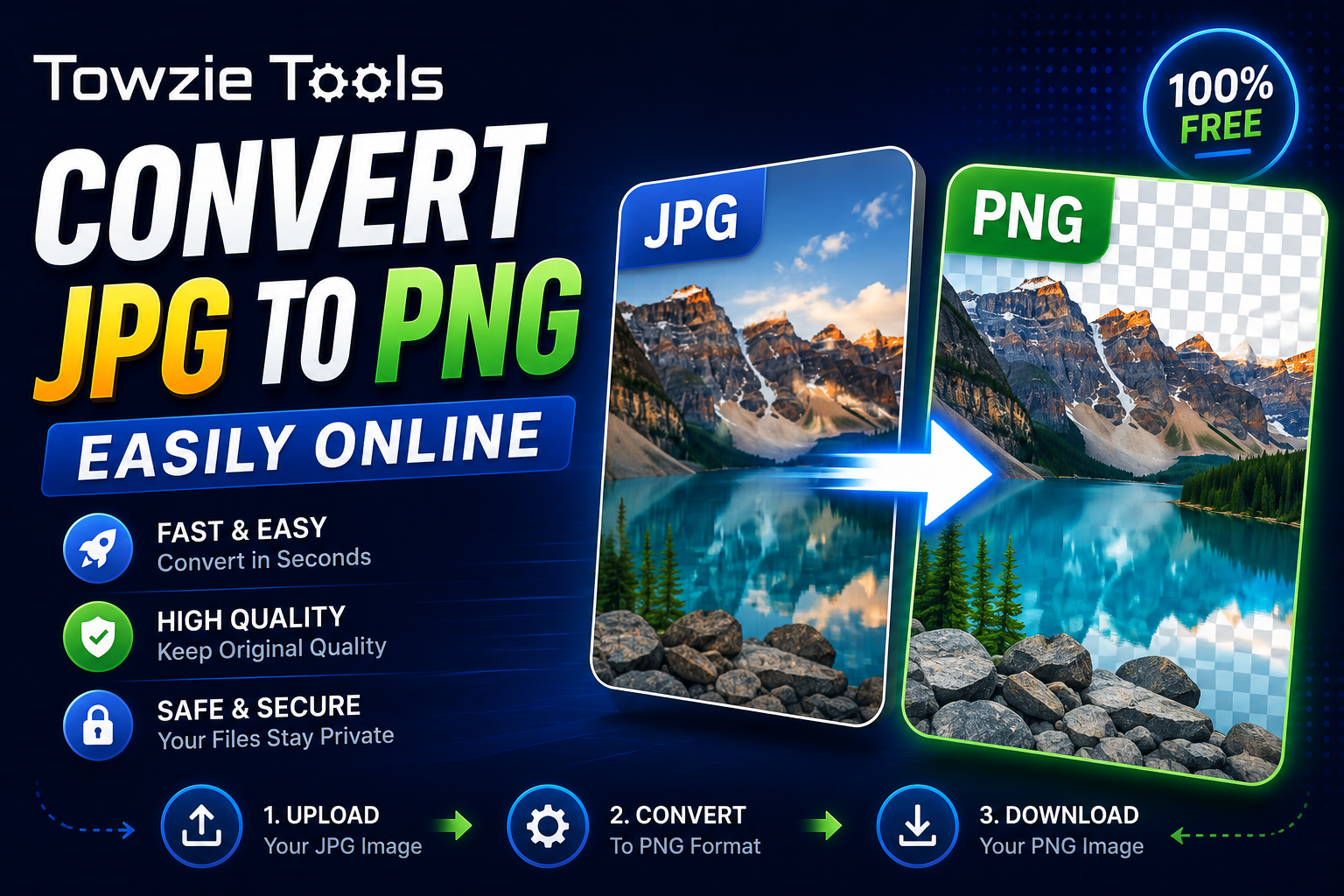
A JPG to PNG Converter is an online tool that changes a JPG image into PNG format.
For example:
JPG image
↓
JPG to PNG Converter
↓
PNG image
The image keeps its visual content while the file is saved in the PNG format.
## Why Convert JPG to PNG?
PNG can be a better choice when you need an image format that supports transparency or keeps sharp details around text, icons, and graphics.
For example, if you're working with a website logo or a graphic with transparent areas, PNG can be more suitable.
JPG images use lossy compression, which can reduce image quality when the file is saved repeatedly. PNG uses lossless compression, so it keeps the image data without the same type of compression loss.
## How to Convert JPG to PNG Online
Converting an image takes only a few steps.
### 1. Upload Your JPG Image
Open the JPG to PNG Converter and select the JPG file you want to convert.
For example:
my-image.jpg
You can usually upload images directly from your computer, phone, or tablet.
### 2. Start the Conversion
Click **Convert to PNG**.
The tool processes the JPG image and creates a PNG version.
### 3. Download the PNG File
Once the conversion is complete, download your new PNG image.
The file will usually have a `.png` extension:
my-image.png
You can then use it wherever PNG format is supported.
## JPG vs PNG
JPG and PNG handle images differently.
**JPG** is commonly used for photographs because it can produce relatively small files.
**PNG** works well for logos, screenshots, illustrations, icons, and images where you need transparency or sharp edges.
Choosing the right format depends on how you plan to use the image.
## Does Converting JPG to PNG Improve Image Quality?
Converting a JPG to PNG doesn't restore image data that was already lost when the JPG was created.
The PNG file can preserve the converted image without adding another round of JPG compression, but it can't bring back details that were removed from the original JPG.
For example, converting a heavily compressed JPG to PNG won't make the original photo look sharper.
## Can You Convert Multiple JPG Images?
If the converter supports batch conversion, you can upload several JPG files and convert them together.
This can save time when you're preparing a group of images for a website, design project, or document.
For a single image, the process is just as simple: upload, convert, and download.
## When Should You Use PNG?
PNG is a good choice for images that contain text, logos, interface screenshots, icons, or transparent areas.
It's also useful when you want to avoid additional quality loss from repeatedly saving an image as JPG.
For large photographs, JPG can still be a practical choice because the files are usually smaller.
## Can You Convert JPG to PNG on Your Phone?
Yes.
An online JPG to PNG Converter works through your web browser, so you can use it from a smartphone or tablet.
Select the JPG image from your device, start the conversion, and download the PNG file when it's ready.
## JPG to PNG Converter Online
A JPG to PNG Converter gives you a quick way to change your image format without installing image editing software.
Upload your JPG file, click **Convert to PNG**, and download the converted image. The process takes only a few seconds.
Contact
Missing something?
Feel free to request missing tools or give some feedback using our contact form.
Contact Us