13
Compress Images Online
Large image files can slow down websites, take longer to upload, and use more storage space.
Image Compressor: Compress Images Online
Large image files can slow down websites, take longer to upload, and use more storage space.
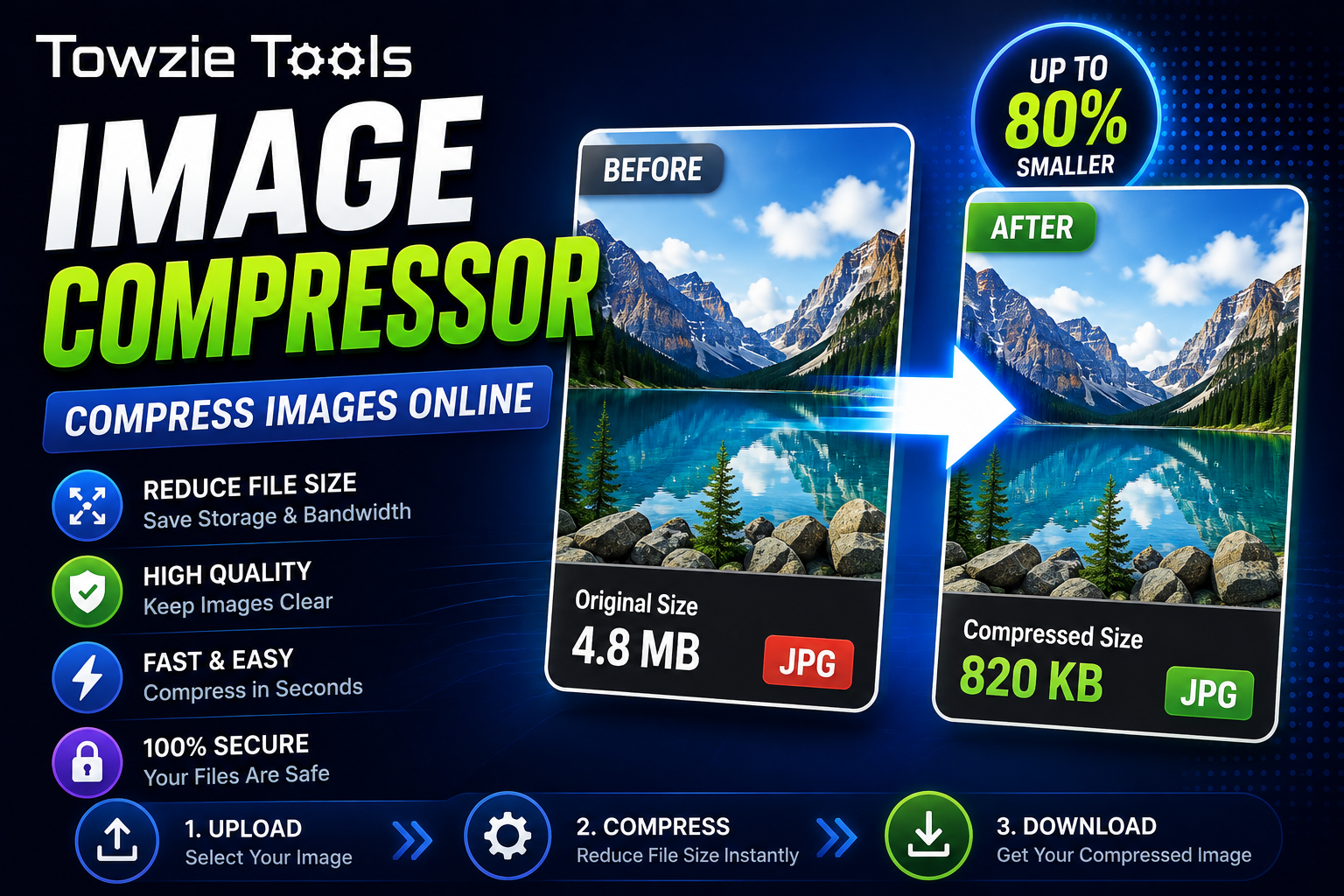
An **Image Compressor** reduces image file size while keeping the image looking as close to the original as possible. Upload an image, compress it, and download the smaller file.
## What Is an Image Compressor?
An Image Compressor is an online tool that reduces the file size of an image.
For example, you might have an image that is:
Original: 4.5 MB
Compressed: 1.2 MB
The image still looks similar, but the file takes up much less storage space.
## Why Compress Images?
Image compression can help when you're working with large files.
Website owners often compress images before uploading them to their websites because smaller files can take less time to load.
Compression can also make images easier to send through email, messaging apps, and other services with file-size limits.
## How to Compress an Image Online
Using an Image Compressor takes only a few steps.
### 1. Upload Your Image
Open the Image Compressor and select the image you want to compress.
You can usually upload common formats such as:
JPG
PNG
WebP
### 2. Start the Compression
Click **Compress Image**.
The tool processes the image and reduces its file size based on the available compression settings.
### 3. Download the Compressed Image
Once compression is finished, download the new image.
For example:
Original: 3.8 MB
Compressed: 850 KB
You can then upload or share the smaller file.
## Does Image Compression Reduce Quality?
It depends on the compression method and settings.
Some compression methods remove image data to create a smaller file. Stronger compression can reduce file size further, but you may notice changes in image quality.
A good balance between file size and image quality is usually the best choice for websites.
## Image Compressor for Website Owners
Large images can add a lot of weight to a webpage.
If you upload several high-resolution photos without compressing them, visitors may need to download large files before the page finishes loading.
Compressing images before uploading them can reduce the amount of data your website needs to serve.
For example, replacing ten 2 MB images with compressed versions around 500 KB each can save roughly 15 MB across those 10 files.
## Which Image Formats Can You Compress?
The supported formats depend on the Image Compressor you're using.
Common formats include:
* JPG
* PNG
* WebP
JPG is widely used for photographs. PNG works well for graphics and images that need transparency. WebP is commonly used on websites because it can provide smaller files while keeping good visual quality.
## When Should You Compress an Image?
Compress an image before uploading it to a website if the original file is much larger than you need.
You can also compress images when you're running out of storage space or need to send a large collection of photos.
For website owners, compressing images before publishing them can be part of the normal image preparation process.
## Can You Compress Multiple Images?
If the tool supports batch compression, you can upload several images at once.
This is useful when you're preparing a large group of images for a website.
Instead of processing each file separately, you can compress multiple images in one session and download the smaller versions.
## Image Compression on Mobile
You can use an online Image Compressor from a phone or tablet if the tool supports mobile browsers.
Select an image from your device, upload it, compress it, and download the smaller version.
There's no need to install image editing software.
## Image Compressor Online
An Image Compressor gives you a quick way to reduce image file sizes before uploading or sharing them.
Upload your image, start the compression, and download the smaller file. For website owners, this can help reduce the amount of image data served to visitors while keeping the images looking good.
Contact
Missing something?
Feel free to request missing tools or give some feedback using our contact form.
Contact Us