15
Count Words and Letters in Text
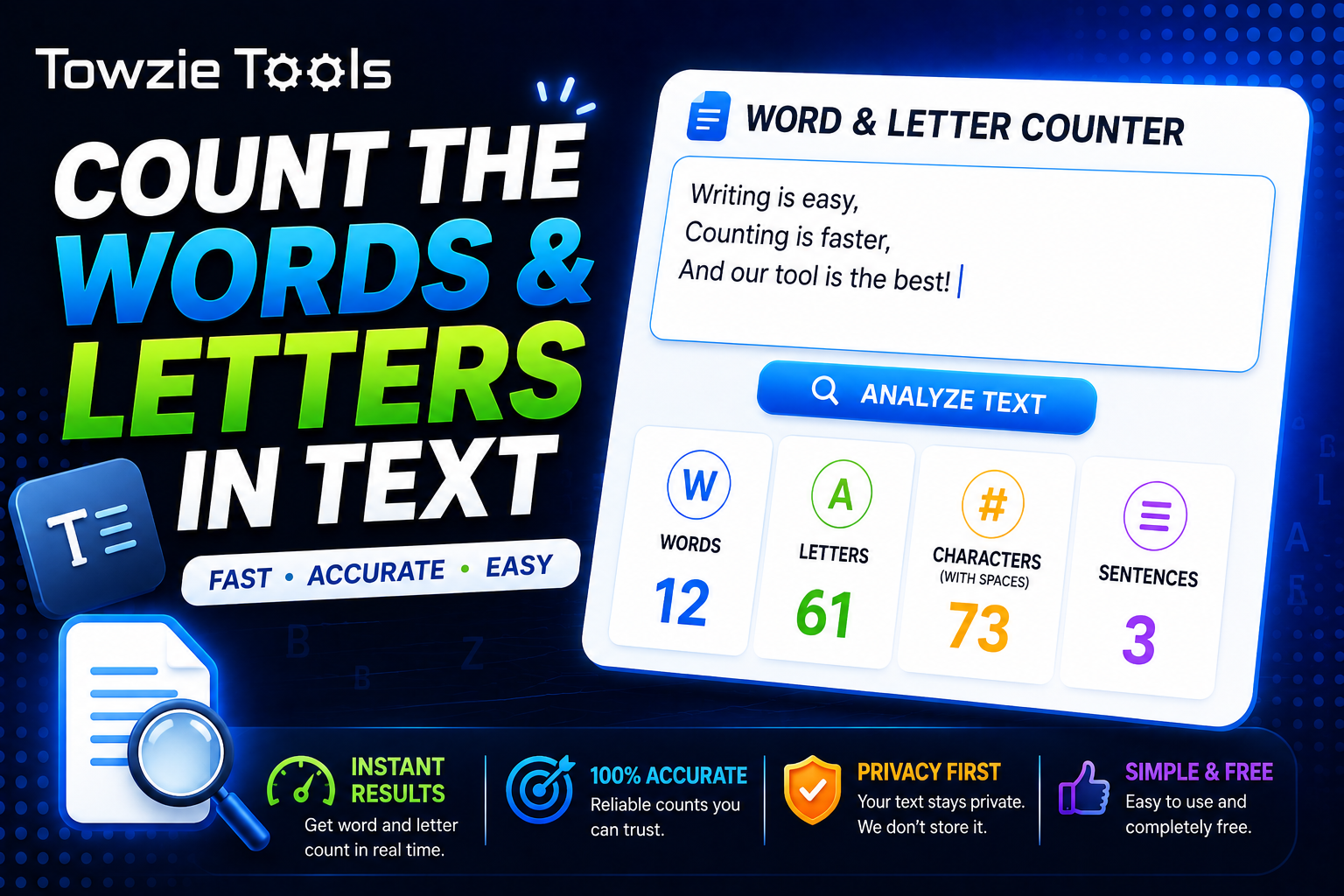
When you're writing an article, assignment, social media post, or website content, you may need to know exactly how many words and letters you've used.
# Word and Letter Counter: Count Words and Letters in Text
When you're writing an article, assignment, social media post, or website content, you may need to know exactly how many words and letters you've used.
A **Word and Letter Counter** gives you these numbers instantly. Paste your text into the tool, and it counts the words and letters for you.
## What Is a Word and Letter Counter?
A Word and Letter Counter is an online tool that analyzes your text and calculates the number of words and letters it contains.
For example:
Text:
Hello world, this is a test.
Words: 5
Letters: 21
The result helps you understand the size of your text without counting everything manually.
## How to Count Words and Letters
Using the tool takes only a few seconds.
### 1. Enter Your Text
Type or paste your text into the text box.
For example:
Writing content for a website takes planning.
### 2. Check the Results
The tool analyzes the text and displays the total number of words and letters.
You can edit your text and see the count update as you type if the tool supports live counting.
### 3. Use the Numbers
You can use the results to meet a specific word limit or check the length of your content before publishing it.
## Why Count Words?
Word counts are useful when you have a specific writing limit.
For example, a teacher may ask for a 500-word assignment, a website may require a certain article length, or a platform may limit the amount of text you can publish.
A word counter lets you check the exact number quickly.
## Why Count Letters?
Letter counts can be useful when a text field has a character or letter limit.
You might need to keep a short description, title, profile text, or form response within a specific size.
Knowing the number of letters helps you stay within that limit.
## Word Count vs Letter Count
Words and letters measure different parts of your text.
Consider this sentence:
Hello world
It contains:
Words: 2
Letters: 10
The space between the 2 words isn't a letter.
This difference matters when you're checking content against a specific requirement.
## Who Can Use a Word and Letter Counter?
The tool can be useful for website owners, writers, students, marketers, and anyone who works with text.
Website owners can check article lengths before publishing. Writers can keep their content within a required word count.
Students can also use the tool when an assignment has a minimum or maximum number of words.
## Count Words in an Article
If you've written a long article, manually counting the words isn't practical.
Paste the entire article into the Word and Letter Counter and check the result immediately.
For example:
Article length: 1,250 words
Letters: 6,940
You can then edit the article until it reaches the length you need.
## Count Words in a Paragraph
You don't need a long article to use the tool.
You can paste a single paragraph and check its length just as easily.
This can be useful when you're trying to keep paragraphs short or preparing content with a specific size requirement.
## Does the Tool Count Spaces?
Word and letter counting can use different rules depending on the tool.
Letters usually refer to alphabetic characters, while spaces are treated separately. Some counters also provide a total character count that includes spaces.
For example, a tool may show:
Words: 5
Letters: 21
Characters: 25
These numbers measure different parts of the same text.
## Can You Use It on a Phone?
Yes.
A Word and Letter Counter can work directly in your mobile browser.
Paste your text into the tool and check the results without installing additional software.
## Word and Letter Counter Online
A Word and Letter Counter gives you a quick way to measure the length of your text.
Paste your content into the tool, check the word and letter counts, and make any changes needed to meet your target.
Contact
Missing something?
Feel free to request missing tools or give some feedback using our contact form.
Contact Us