10
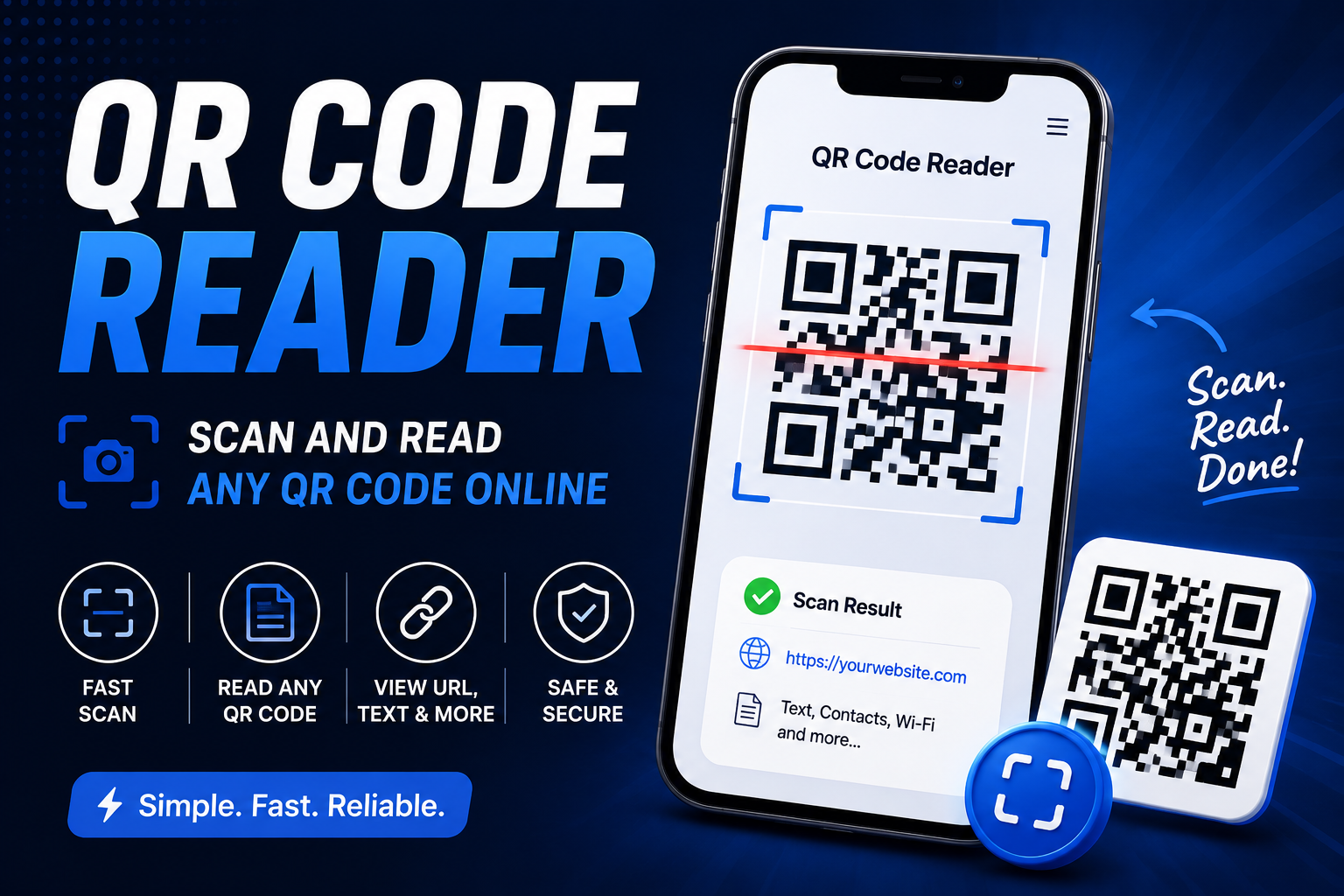
Scan and Read Any QR Code Online
QR codes are everywhere. You can find them on menus, product packaging, websites, tickets, business cards, and payment pages.
QR Code Reader: Scan and Read Any QR Code Online
QR codes are everywhere. You can find them on menus, product packaging, websites, tickets, business cards, and payment pages.
A QR Code Reader lets you scan a QR code and quickly see the information stored inside it.
What Is a QR Code Reader?
A QR Code Reader is an online tool that reads the information stored in a QR code.
A QR code can contain a website URL, text, contact information, Wi-Fi details, or other data.
Upload or scan a QR code, and the reader processes it and displays the information stored inside.
Why Use a QR Code Reader?
Sometimes you have a QR code but don't know where it leads.
A QR Code Reader lets you check the content before opening it. This can be useful when you're dealing with QR codes from websites, printed documents, product packaging, or screenshots.
It also helps when your phone's built-in camera doesn't recognize a QR code correctly.
How to Use a QR Code Reader
Using the QR Code Reader takes only a few steps.
# 1. Open the QR Code Reader
Open the QR Code Reader in your browser.
You don't need to install a separate application.
# 2. Upload or Scan the QR Code
Select the QR code you want to read.
Depending on the tool, you can upload an image containing the QR code or scan it directly with your device's camera.
For example:
QR Code Image
↓
Scan / Upload
↓
QR Code Reader
# 3. Wait for the Scan
The reader detects the QR code inside the image and reads its data.
A clear image usually makes the scanning process easier.
# 4. View the Result
Once the QR code has been read, the stored information appears on the screen.
If the QR code contains a website URL, you'll see the URL. If it contains text, the text will appear instead.
What Can a QR Code Contain?
QR codes can store different types of information.
A QR code might contain:
* A website URL
* Plain text
* Phone numbers
* Email addresses
* Contact information
* Wi-Fi connection details
* Product information
* Location information
The QR Code Reader shows the data stored inside the code.
When Should You Use a QR Code Reader?
A QR Code Reader can be useful when you receive a QR code as an image or screenshot.
For example, someone might send you a QR code through WhatsApp, email, or another messaging app. You can upload the image to the reader and check what it contains.
It's also useful when a QR code is printed on a document or displayed on another screen and your phone camera can't scan it properly.
Can You Read a QR Code From an Image?
Yes.
If you already have a QR code saved as an image, you can upload it to the reader instead of using your camera.
A screenshot works too, as long as the QR code is clear enough to be detected.
What If the QR Code Can't Be Read?
If the reader can't detect the QR code, check the image first.
Make sure the QR code isn't blurry, heavily cropped, or covered by another object. Try using a higher-quality image and scan it again.
The QR code itself can also be damaged or incomplete.
QR Code Reader for Everyday Use
A QR Code Reader gives you a quick way to read information stored inside QR codes.
Upload an image or scan the code, check the result, and you'll know what information the QR code contains.
Contact
Missing something?
Feel free to request missing tools or give some feedback using our contact form.
Contact Us